 company
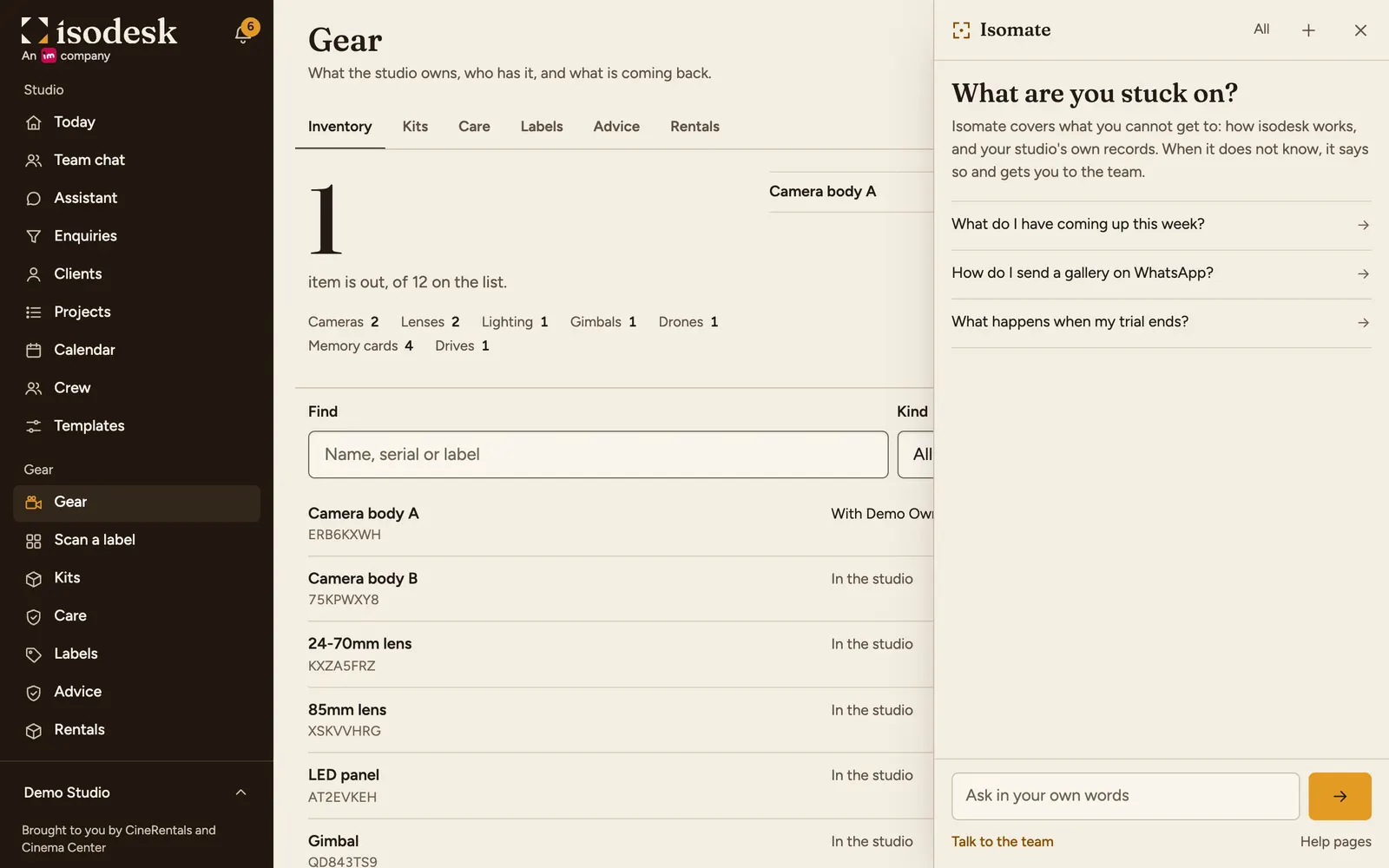
Ask from where you are
- Press the button with the focus brackets in the corner of any page, and ask in your own words. It knows which page you are on.
- The pages it used show under the answer. Press Yes or No under "Did this help?". A no shows the team what the help is missing.
- It reads and drafts. It does not change anything in your studio.
- Questions about how isodesk works use none of your studio's AI drafts. Each person has 30 a day. Looking up your own work uses one draft for that question. When drafts run out, help and support keep working.
Reach the team
- Press Talk to the team under the question box, at any time.
- A summary appears. Change the words if you like, then press Send to the team. Nothing goes until you press it.
- The team also sees that conversation, so you do not have to explain it again.
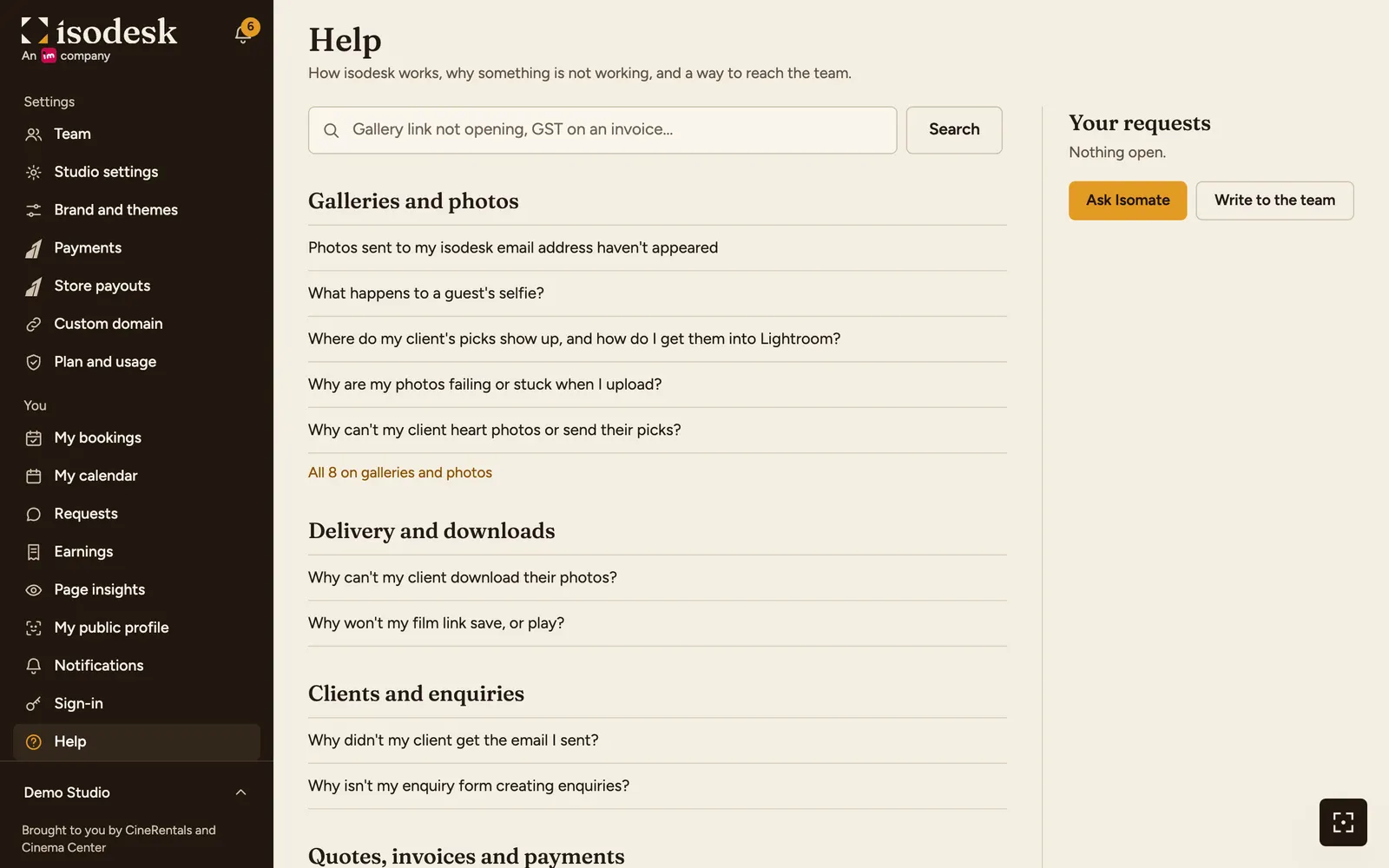
- Rather write it yourself? Open Help, then Write to the team. The team sees only what you write there.
Follow the reply
- The reply comes to Help in the menu, with a count on it, and by email. Your phone alerts you if you allowed it.
- Open the request to reply, or press This is sorted to close it. A reply to a closed request opens it again.
- A request with a reply and nothing more for 14 days closes by itself.
Ask Isomate about isodesk
Answers come only from the pages of this website.
Updated 31/10/2026 · Markdown version