 company
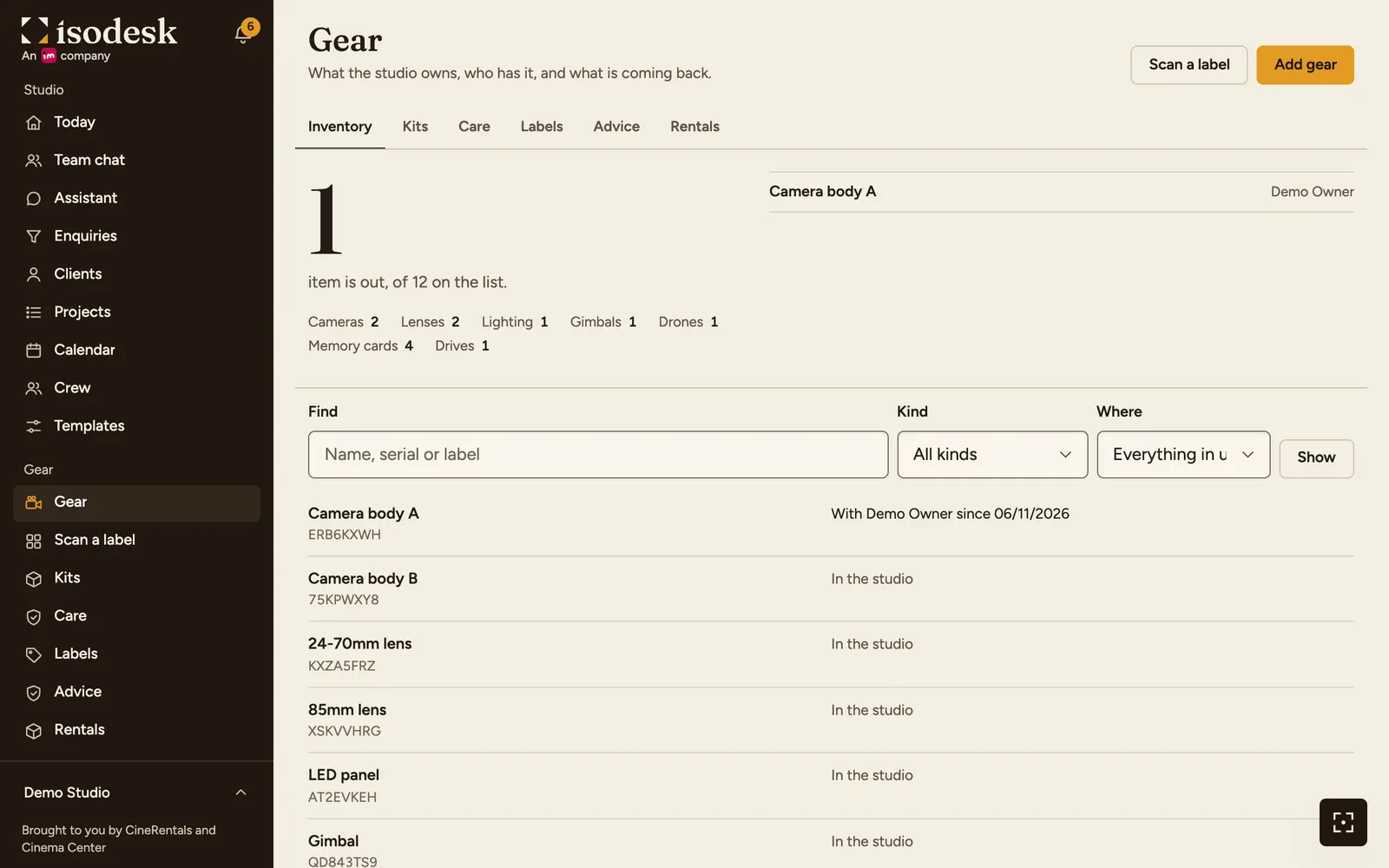
One list of everything you own
- Camera, Lens, Lighting, Gimbal, Drone, Audio, Memory card, Drive and Accessory, each with its serial number, condition and status.
- Several of the same, such as memory cards: up to 50 at a time, each with its own number and label.
- Gear a crew member owns can go on the list under their name, and counts for them on the events they work.
- Kits, such as Wedding kit A, to put a whole set on an event at once.
- Price, bill, warranty and insurance are seen only by those who see money. Your crew see the gear without them.
Gear on each event
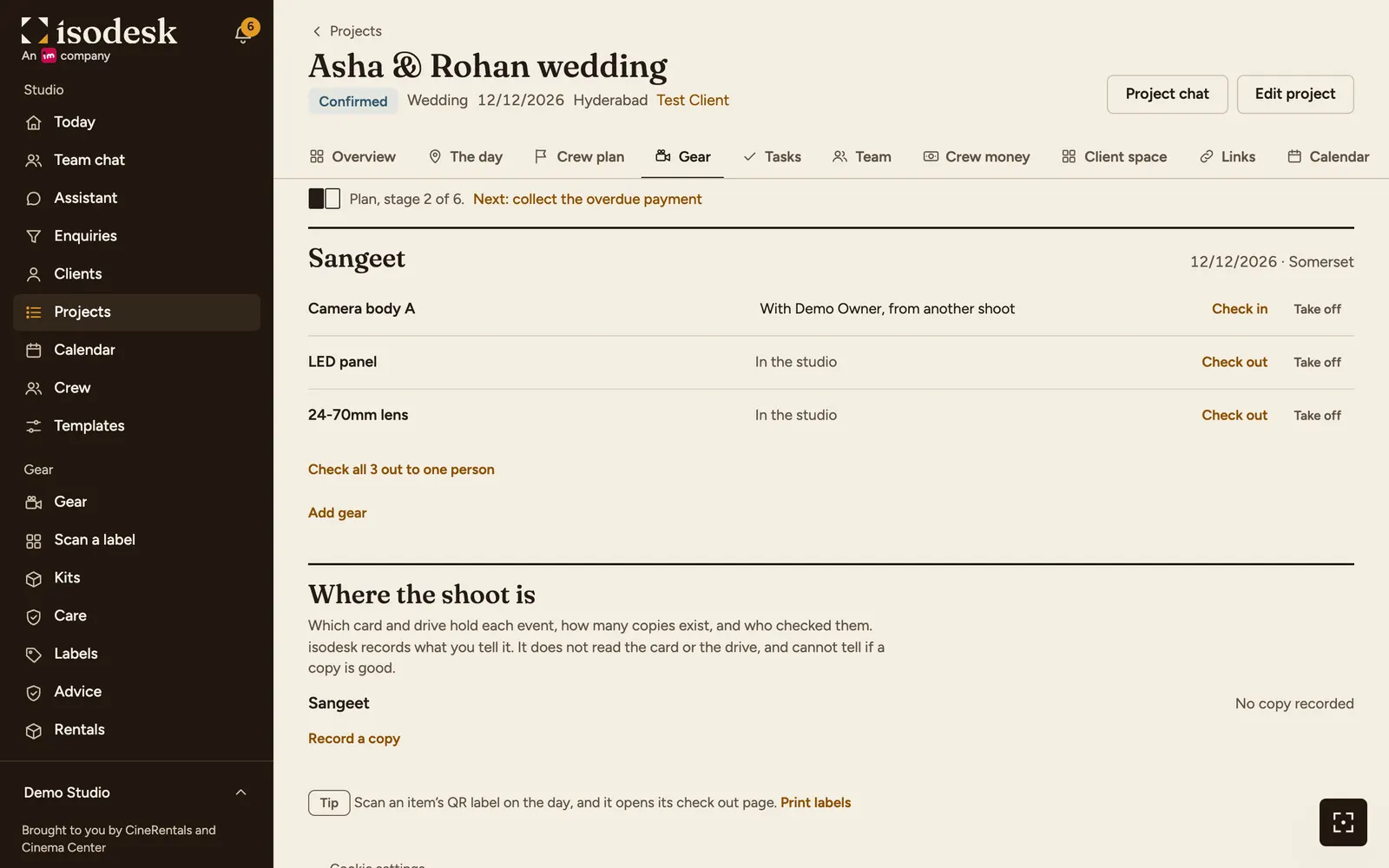
- Put gear on an event from the project's Gear tab.
- Cameras and drones are compared with the crew plan, and the tab says how many are short.
- The same item on two events that overlap, or on the same day in different cities, is a clash. You see a warning, and it is still saved.
- A project with no gear on it is asked nothing about gear.
QR labels, check out and check in
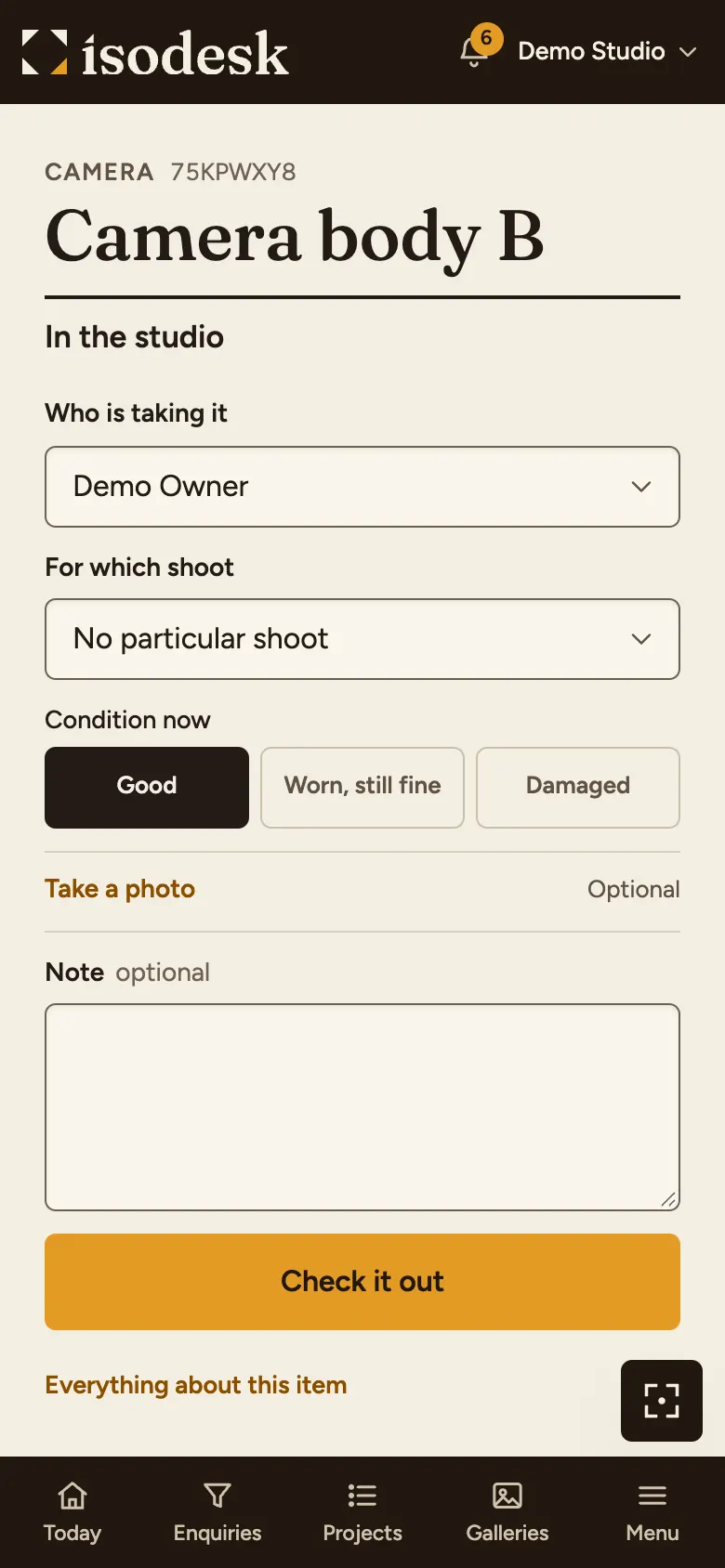
- Print a sheet of labels. A label opens the item's page for a signed-in member of your studio. Anyone else learns nothing from it.
- Check an item out to a person, with its condition and a photo if you want one. Check it back in the same way.
- Gear still out after its event keeps the project asking until it is back.
Care, damage and loss
- A service log on each item, with a rhythm such as every 6 months. The Care tab lists service due, and warranties and insurance ending within 30 days.
- Anyone who uses gear can report damage or a loss, with a photo.
- A cost can be recorded as money out in your money book, linked to the project, so it counts in that project's profit.
Where each shoot is copied
- Record which card or drive holds each event, and tick when someone has opened a copy and checked it.
- The project asks until an event has two copies and one is checked.
- isodesk records what you tell it. It does not read the card or the drive, and cannot tell if a copy is good.
Short of something, or done with it
- Short of a camera or a drone on a date? The shoot shows rental kits from CineRentals, which is in the same group as isodesk.
- Camera exchange (coming soon): sell or trade in a camera you no longer use.
See also
- Keep track of your gearList your cameras, lenses, cards and drives, see what each event is short of, check gear out with a QR label, and record where each shoot is copied.
- Rent gear for a shootSee what a shoot is short of, open a rental shop with the dates and city, keep your client out of it, and log the rental on the project.
- Projects and CRMEvery enquiry in one pipeline with follow-ups. Bookings become projects with their events and crew, on one calendar, with clash warnings and a Today page.
Ask Isomate about isodesk
Answers come only from the pages of this website.
Updated 06/11/2026 · Markdown version